Unlocking Growth With Legacy System Modernization Strategies
Discover proven legacy system modernization strategies to transform outdated IT. Our guide breaks down key approaches for cutting costs and boosting innovation.
By Riya
29th Jan 2026
Last updated: 29th Jan 2026
When we talk about modernizing old technology, we're really talking about a set of strategies for swapping out outdated systems for something better. This isn't just a simple upgrade. It's a spectrum of choices, from a basic "lift-and-shift" move (rehosting) all the way to a complete ground-up rebuild. The goal is always the same: improve how the business runs without breaking what already works. Picking the right path is a major strategic decision.
Why Your Legacy Systems Are a Hidden Anchor on Growth
Every company hits a point where the technology that once powered its success starts holding it back. Imagine trying to run a global shipping operation with a spreadsheet from the 90s. Sure, it might technically function, but it's incredibly slow, riddled with security holes, and can't connect to any of the powerful tools we have today. This is the exact situation many companies find themselves in with their legacy systems.
These aging platforms aren't just an IT problem; they're a hidden anchor dragging down your entire organization. They quietly eat up your budget, expose you to serious risks, and kill the innovation you need to compete.
The Staggering Hidden Costs of Inaction
The most obvious pain point is the cost. Just keeping these old systems running can be a massive financial drain. In fact, the market for modernizing legacy software is expected to balloon from $15 billion in 2025 to a staggering $45 billion by 2033. Why? Because companies are realizing that 70-80% of their IT budgets are being spent just on maintenance, leaving almost nothing for new projects that could actually grow the business. You can read more about these market trends and their drivers to see the full picture.
But the direct costs are only part of the story. Outdated systems create other expensive headaches:
- Talent Scarcity: Finding (and affording) developers who know old languages like COBOL is getting harder every year.
- Operational Inefficiency: Clunky systems and manual workarounds waste countless hours, leading to lower productivity and higher operational costs.
- Missed Opportunities: If your systems can't connect to modern APIs or cloud services, you're shut out from new business models and valuable partnerships.
Security Vulnerabilities and Team Morale
Then there's the security nightmare. Old systems often can't support modern security measures, making them easy targets for cyberattacks. It's no surprise that in a recent survey where 62% of organizations admitted to still using legacy software, 43% named security vulnerabilities as their biggest worry.
A legacy system that isn't receiving regular security patches is not just a risk; it's an open invitation for a data breach. The potential cost of a breach far outweighs the investment in modernization.
Finally, don't forget the human element. Forcing your best people to wrestle with slow, frustrating technology is a surefire way to kill morale and drive them to quit. Talented engineers and developers want to build the future, not spend their days patching up the past. Modernization isn't just an IT project—it's an investment in your people, your security, and your company's ability to thrive.
Choosing Your Modernization Path
Deciding on the right modernization strategy for a legacy system is a bit like renovating a historic house. You wouldn't use a wrecking ball when all you need is a new kitchen, and a fresh coat of paint won't fix a crumbling foundation. Each path offers a different trade-off between cost, risk, and immediate value. The trick is to match your approach to your specific business goals and the actual condition of your system.
The journey from an old, monolithic application to something modern and agile isn't a single jump. It's a series of deliberate choices. Picking the wrong one can blow up your budget and disrupt operations, but the right one can unlock incredible efficiency and give you a serious competitive edge. That’s why getting a handle on the core options is so important.
The problems that force this decision are almost always the same: soaring operational costs, glaring security holes, and an innovation cycle that’s slowed to a crawl.
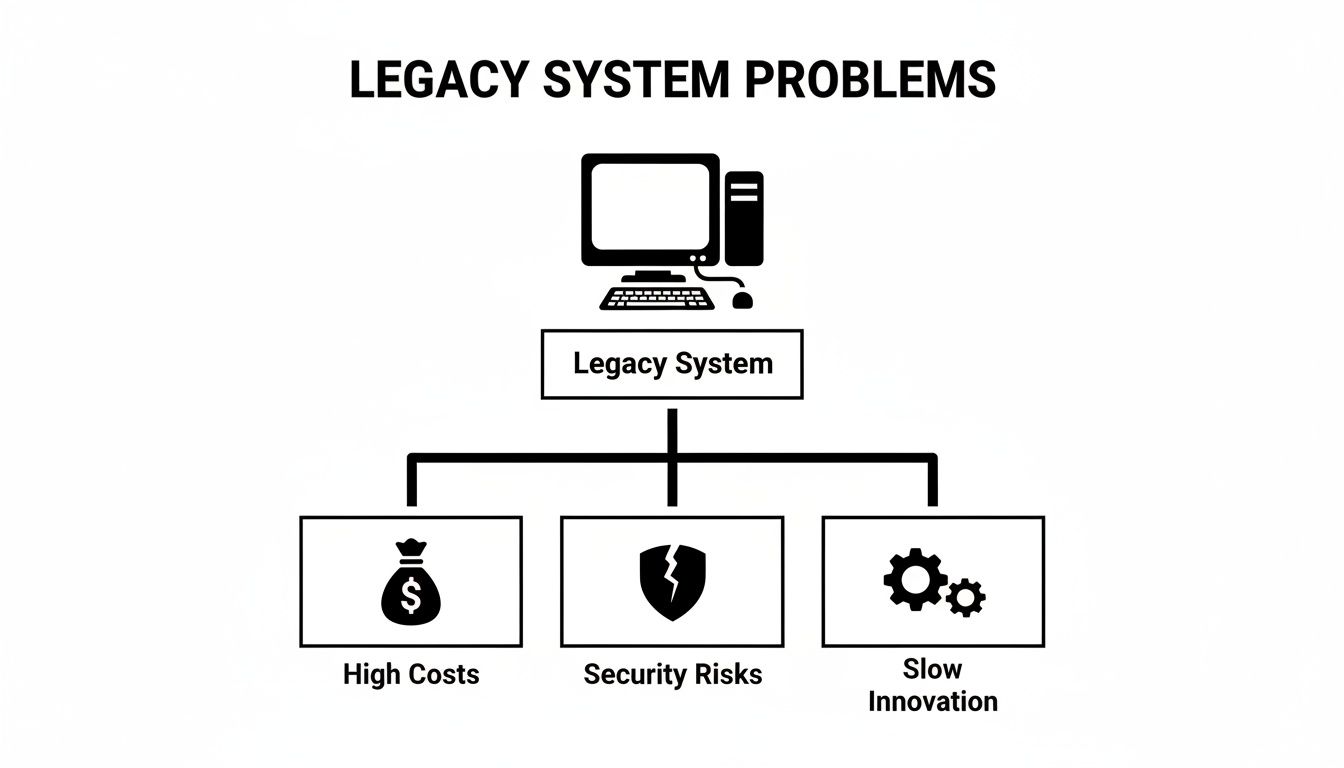
Each of these pain points pushes you toward a different solution. Some strategies are surgical strikes aimed at a specific problem, while others are a complete teardown and rebuild.
The Spectrum of Modernization Strategies
You'll often hear these strategies referred to as the "7 Rs." Think of them less as a rigid list and more as a spectrum of choices, ranging from quick, low-impact fixes to full-blown transformations. It’s a toolkit, and you need to pick the right tool for the job.
H3: Lower-Effort, Incremental Approaches
These first few options are about making smart, targeted improvements without tearing everything down.
- Rehost (Lift-and-Shift): This is the most straightforward move. You’re essentially picking up your application and its data from an on-premise server and dropping it into a cloud environment like AWS or Azure with almost no changes to the code. It’s fast and relatively cheap, but be warned: it doesn’t fix any of the application’s underlying problems. You're just running the same old system in a new location.
- Replatform: This is a step up from a simple rehost. Here, you make a few small tweaks to the application to take better advantage of the cloud. A classic example is swapping out a self-managed Oracle database for a managed cloud service like Amazon RDS. You get some immediate performance and reliability wins without a massive rewrite.
- Refactor: Now we’re getting our hands dirty with the code. Refactoring means restructuring the application’s internal code to clean up technical debt and improve its design—without changing what the application actually does for the user. The goal is to make the system more efficient, secure, and easier for your developers to work on in the future.
H3: Higher-Effort, Transformative Approaches
Sometimes, incremental changes just aren't enough to meet modern business demands. When that's the case, it's time to consider a more fundamental shift.
- Rearchitect: This is where you fundamentally alter the application's architecture to unlock new capabilities. The most common driver here is moving from a clunky, all-in-one monolith to a more flexible microservices architecture. It's a major undertaking, but the payoff is huge in terms of scalability and the ability to innovate quickly.
- Rebuild: There are times when a codebase is so messy and outdated that it’s simply easier to start over. Rebuilding means rewriting the application from scratch while preserving its original scope and purpose. This lets you create a clean, modern solution built on a solid foundation.
- Replace: This is the most dramatic option. You completely retire the old application and swap it out for something entirely new, usually a commercial off-the-shelf (COTS) or SaaS product. This makes sense when a tool like Salesforce or Workday can do the job better and more cost-effectively than anything you could build yourself.
And finally, there’s one more "R" that’s often forgotten but is just as strategic as the others.
Retain: Sometimes, the smartest move is to do nothing at all. If a legacy system is stable, does its job, and the cost of modernizing it is far greater than any potential benefit, just keeping it as-is can be a perfectly valid business decision. Don't fix what isn't truly broken.
Comparing Legacy Modernization Strategies
To help make sense of these options, it's useful to see them side-by-side. Each approach has its own unique profile when it comes to effort, risk, and what it's best suited for.
| Strategy | Description | Effort & Cost | Risk Level | Best For |
|---|---|---|---|---|
| Rehost | Move the application to a new environment (e.g., cloud) with minimal changes. | Low | Low | Quick cost savings from infrastructure migration without altering the core application. |
| Replatform | Make small code optimizations to take advantage of cloud-native features. | Low-Medium | Low | Gaining cloud benefits (e.g., managed databases) without a major rewrite. |
| Refactor | Restructure existing code to improve maintainability and reduce technical debt. | Medium | Medium | Improving the internal quality of a high-value application without changing its external behavior. |
| Rearchitect | Fundamentally alter the application's architecture (e.g., monolith to microservices). | High | High | Unlocking scalability and agility when the current architecture is a major bottleneck. |
| Rebuild | Rewrite the application from the ground up with the same scope. | Very High | High | When the original code is beyond saving but the application's function is still critical. |
| Replace | Discard the old system and switch to a new third-party solution (SaaS/COTS). | Varies | High | When a commercial product can meet business needs better than a custom-built solution. |
The market data reflects this diversity. For instance, re-platforming currently holds a 31.85% market share as a popular middle-ground, while re-architecting is the fastest-growing approach with a 22.74% CAGR, highlighting the massive push toward true architectural agility. You can discover more about the legacy modernization market landscape to see how these trends are shaping IT decisions.
Ultimately, choosing between these paths requires an honest look at your system's business value, its technical health, and your organization's appetite for risk. By understanding this full spectrum, you can map out a modernization journey that truly aligns with your long-term goals.
Making the Right Call: Your Modernization Decision Framework
Choosing a modernization path can feel like walking a tightrope. On one side, you have the quick, cheap "lift-and-shift," and on the other, a full-blown, ground-up rebuild. A wrong step can cost you dearly in both time and money, but the right move can propel your business forward.
This is where a solid decision framework comes in. It’s not about finding a magic formula; it's about systematically weighing the critical factors—business value, technical debt, cost, and risk—to find the approach that actually fits your company's reality. The goal is to trade gut feelings for a confident, data-backed strategy.
Two Questions That Cut Through the Noise
Before you get lost in the details, start by asking two fundamental questions about your legacy application. Think of it like plotting your system on a simple grid: one axis for Business Value, the other for Technical Quality.
- Business Value (High vs. Low): How much does this system really matter? Is it the engine driving your revenue, or is it a peripheral tool? High-value systems are the lifeblood of your operations.
- Technical Quality (Good vs. Poor): How fragile is the technology? Is it stable and easy to work with, or is it a buggy, tangled mess built on a dead programming language that only one person in the company remembers?
Answering these two questions alone will give you a ton of clarity. A system with low business value and poor technical quality? That’s a prime candidate for retirement. A high-value system with good tech? Maybe all it needs is a minor facelift.
The Four Pillars of a Smart Decision
Once you’ve placed your system on that grid, it’s time to drill down into the specifics. A truly balanced decision rests on four pillars.
-
Cost and ROI Analysis: Don't just look at the upfront modernization costs. You have to calculate the Total Cost of Ownership (TCO) of keeping the old system running—think maintenance contracts, specialized talent, and those emergency fixes. Compare that to the projected ROI of a new system, factoring in things like operational efficiency and new revenue streams.
-
Risk Tolerance: How much turbulence can your business weather? A complete rebuild is a high-risk, high-reward bet that can cause significant disruption. A simple rehost is far safer but delivers limited upside. Be honest about your organization’s appetite for risk.
-
Future Business Impact: Does the plan align with where the company is headed in the next five years? If the roadmap includes new products or global expansion, a simple refactor that just shores up the current state won't cut it. Your strategy has to be an enabler of future growth, not just a patch for today’s problems.
-
Time-to-Value: How quickly do you need to see a return on this effort? A rehost might deliver small wins in a matter of weeks. A full re-architecture could take a year or more to pay off, but the long-term benefits might be exponentially greater.
The Strangler Fig Pattern: A Saner, Safer Path
For many teams, the thought of a single, "big bang" cutover is terrifying—and for good reason. Too much can go wrong. This is where a brilliant technique called the Strangler Fig Pattern comes into play. It’s named after the fig vines in a rainforest that slowly grow around a host tree, eventually replacing it entirely.
The Strangler Fig Pattern is all about de-risking your modernization. You incrementally build new services around the legacy system, gradually routing traffic to the new components until the old application is "strangled" and can be safely shut down.
This approach is a game-changer for a few reasons:
- Minimized Risk: You completely avoid the all-or-nothing drama of a cutover weekend.
- Incremental Value: The business starts seeing benefits from the very first new service you launch.
- Flexibility: It gives you room to breathe. You can pause, learn, and adjust your plan as you go.
By using a clear framework and embracing incremental strategies like the Strangler Fig, the massive undertaking of modernization becomes far less daunting and a whole lot more achievable.
Accelerating Your Project with Rapid Prototyping
One of the toughest parts of any modernization project isn't the code—it's getting everyone to agree on what the new system should actually do. Static mockups and thick requirement documents just don't cut it. They’re abstract and often lead to a painful disconnect between the people building the tech and the people who have to use it. This is exactly where rapid prototyping completely changes the game.
Instead of getting bogged down in months of theoretical debates, you can build a functional prototype in days. Suddenly, the future becomes tangible, and that single step can de-risk the entire project.
From Static Mockups to Interactive Tools
The rise of modern low-code and no-code platforms is what makes this quick, iterative approach possible. They give everyone—from operations managers to developers—the power to build working applications that people can actually click on, use, and feel.
This isn't just a small shift; it aligns perfectly with the main reasons companies modernize in the first place. With 48% of firms aiming for better performance and 44% needing better integration with new tools, the ability to build and test ideas fast is a huge advantage. Low-code platforms hit these needs head-on, speeding up timelines and showing real value right from the start. You can learn more about the key business drivers for modernization and see why this is such a powerful trend.
A functional prototype kills ambiguity. It replaces guesswork with a real user experience, allowing stakeholders to validate workflows and give concrete feedback based on something they can touch, not just a drawing.
This hands-on process is fantastic for building momentum. It gives you something tangible to show leadership early, which helps secure buy-in and makes a much stronger case for the larger investment.
Validating Concepts in a Low-Risk Environment
Rapid prototyping is more than just building slick front-ends; it’s a serious validation tool. You can build out new user interfaces or internal dashboards that connect to your old system’s back-end through APIs. This creates a safe, real-world sandbox to test your most critical assumptions without breaking anything.
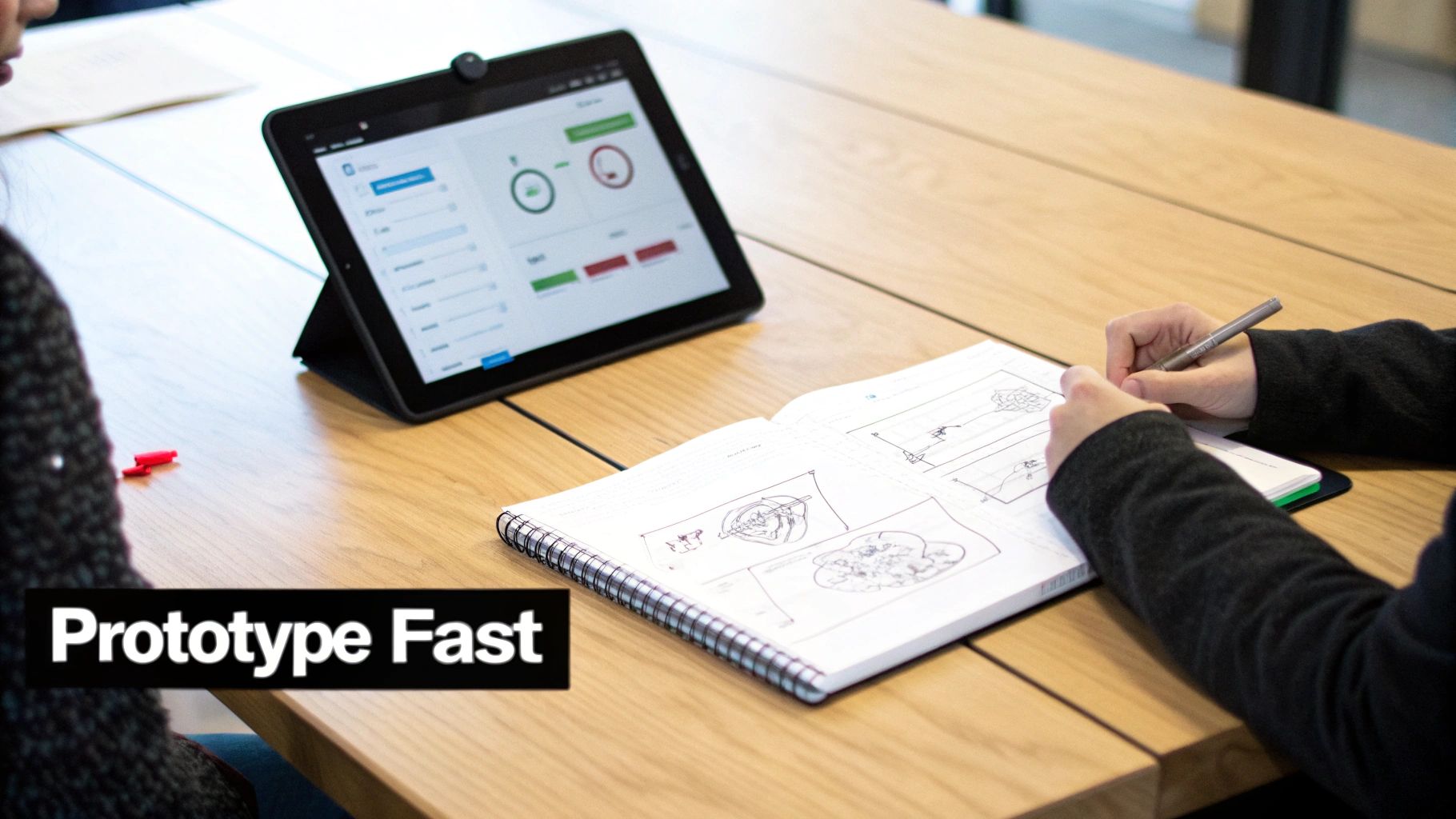
This kind of hybrid approach is the perfect way to prove out concepts for a phased migration. For instance, you could:
- Test New Workflows: Let an operations team try out a new inventory management dashboard that’s still pulling data from the old system. You’ll find out what works and what doesn't in hours, not months.
- Validate API Integrations: Make sure your new front-end can reliably talk to your legacy database before you commit to a full, expensive rebuild.
- Gather User Feedback: Get insights from the people who will live in the new system every day. This lets you make improvements iteratively, long before a single line of production code gets written.
By building rapid prototyping into your legacy system modernization strategies, you turn a high-stakes gamble into a series of small, smart steps. This cycle of building, testing, and learning is the quickest and safest way to get from where you are today to where you need to be.
Executing a Successful Modernization Roadmap
A brilliant strategy on paper is worthless without great execution. When it comes to modernization, even the most promising projects can fizzle out if they lack a clear, actionable plan. A successful roadmap isn't about a single, dramatic "go-live" event; it's a carefully managed journey that brings the entire organization along for the ride.
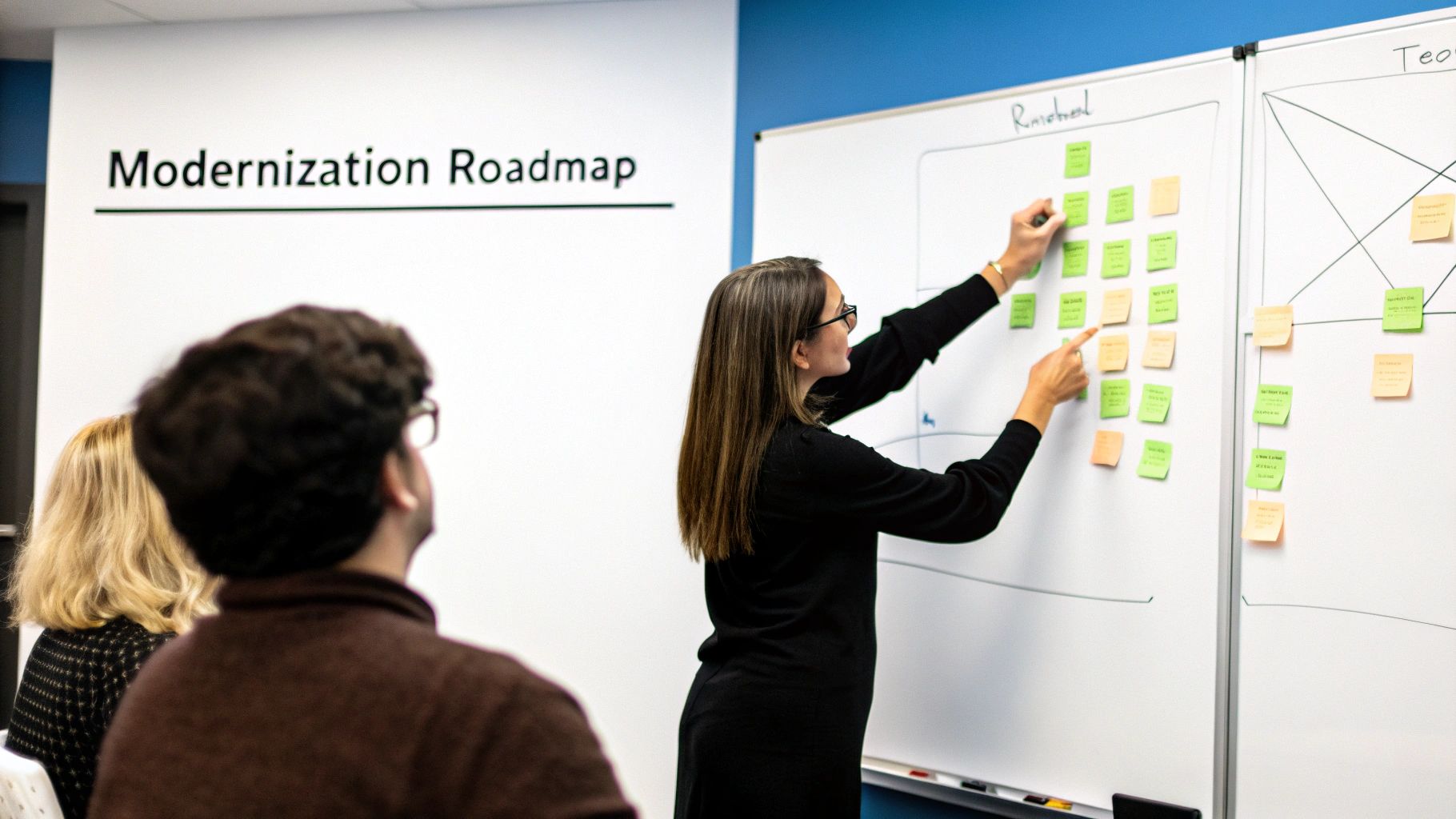
This is where abstract plans become tangible progress. It demands the right people in the room, a timeline that reflects reality, and strong governance to keep everything on track from the first line of new code to the final cutover.
Assembling Your Modernization Team
First things first: build your crew. This is not just an IT project; it's a business transformation. Your team has to reflect that reality, pulling in stakeholders from every corner of the organization the legacy system touches.
A well-rounded team gives you the different perspectives needed to spot potential blind spots early. For example, having someone from finance involved can quickly validate cost assumptions, while a representative from operations can tell you if a proposed new workflow is actually practical on the ground.
Your core team should include:
- Business Stakeholders: People from operations, finance, and sales who live and breathe the system's real-world impact every day.
- IT and Engineering Leads: The technical architects and experts who will own the new architecture, development, and infrastructure.
- Project and Product Managers: The conductors of the orchestra, responsible for coordinating timelines, managing the backlog, and ensuring the project delivers what it promised.
- End-Users: A small, dedicated group of people who actually use the system. Their feedback from prototyping to final testing is pure gold.
Crafting a Phased, Agile Roadmap
Whatever you do, resist the temptation of a "big bang" launch where you try to replace everything at once. That approach is incredibly risky and a recipe for massive disruption. Instead, think agile and iterative. Break the project down into smaller, more manageable phases.
A phased roadmap lets you deliver value incrementally. This builds momentum, creates opportunities to learn and adjust as you go, and makes the whole initiative feel less daunting for everyone. You might, for instance, start by migrating a single, low-risk business function first to prove the concept and build confidence across the organization.
The goal is to create a series of small, predictable wins. Each successful phase reinforces the project's value and makes it easier to maintain stakeholder buy-in for the long haul. This iterative process turns a massive undertaking into a sequence of achievable steps.
Data Migration, Testing, and Security
With your team and roadmap in place, the focus narrows to the technical bedrock of execution. These three areas—data, testing, and security—are completely non-negotiable and must be baked into your plan from day one.
1. Data Migration Strategy Moving data from an old system to a new one is often the riskiest part of the entire project. One wrong move can lead to data corruption, painful downtime, and a complete loss of user trust. Your plan has to meticulously map old data fields to new ones and include a bulletproof validation process to ensure nothing gets lost in translation.
2. Comprehensive Testing Plan Testing can't be an afterthought you tack on at the end. It needs to be woven into every single stage of the project. A good plan covers multiple layers to guarantee quality and reliability.
- Unit and Integration Testing: This confirms that individual pieces of code and services work correctly on their own and play nicely together.
- User Acceptance Testing (UAT): This is where you bring in your end-users to test the new system and confirm it meets their real-world needs.
- Performance and Load Testing: Time to push the system to its limits. This ensures it can handle peak demand without slowing to a crawl or crashing.
3. Embedded Security Protocols Security is not a feature; it's a prerequisite. Modern practices like DevSecOps are all about embedding security into the entire development lifecycle. This means running security reviews, code scans, and penetration tests at every phase, not just before launch. When security becomes a shared responsibility, you build a far more resilient and trustworthy system from the ground up.
Measuring the True ROI of Your Modernization Effort
So, you’ve pulled off a massive modernization project. How do you prove it was worth it? Simply telling stakeholders, "Trust me, it's better now," isn't going to fly. To justify the time, budget, and effort, you need to measure the return on investment (ROI) with metrics that tell a clear, compelling story about business value.
This isn't just about a post-project victory lap. It’s about making the value you’ve created visible across the entire organization, from the C-suite to the teams in the trenches. The best way to do this is to look at success through four distinct lenses.
The Balanced Scorecard for Modernization KPIs
A genuinely solid measurement strategy relies on a balanced scorecard of Key Performance Indicators (KPIs). This approach ensures you capture the full impact of your modernization, painting a complete picture of what you've achieved.
Think of your scorecard as a mix of different types of metrics:
-
Operational Metrics: This is where you measure performance and stability. You’ll want to track things like the reduction in unplanned downtime, a faster deployment frequency, and a much lower change failure rate. These numbers prove the new system is more reliable and agile.
-
Financial Metrics: These are the hard numbers that get the attention of finance and leadership. Focus on tangible savings, like a 25% reduction in annual maintenance costs or getting rid of expensive licensing fees for old, outdated software.
The real goal here is to shift your IT budget from just "keeping the lights on" to actually funding new ideas. Tracking the drop in Total Cost of Ownership (TCO) is a powerful way to show how modernization frees up cash for real growth.
Beyond Technical and Financial Gains
Operational and financial metrics are critical, but they only tell part of the story. A truly successful modernization creates ripple effects across the entire company.
-
Business and Customer Metrics: How did this project make life better for your customers? You can measure this by looking for a drop in customer support tickets related to system issues or an increase in your Net Promoter Score (NPS). Even something as simple as faster processing times for customer orders is a huge win.
-
Team and Productivity Metrics: Never forget the human element. A modern tech stack leads to a happier, more productive team. You can actually measure this through things like developer satisfaction surveys and a noticeable jump in the number of features your team can ship each quarter.
By building your business case with these balanced KPIs from the very beginning, you set a clear benchmark for success. Once the migration is complete, you can confidently report on these outcomes and show everyone that your investment wasn't just a technical upgrade—it was a strategic move that made the entire business stronger and more competitive.
Frequently Asked Questions
When you're staring down a legacy system modernization project, it’s natural to have a lot of questions. Getting clear on the costs, timelines, and the right approach is what separates a successful initiative from a painful one. Let's tackle some of the most common questions that come up.
What Is the Difference Between Application and System Modernization?
It really comes down to scope. Think of legacy application modernization as renovating a specific room in a house—you're updating a single piece of software to make it work better. Legacy system modernization, on the other hand, is like renovating the entire house, foundation and all. It’s a much broader effort to overhaul your entire IT infrastructure—the hardware, software, and how data moves between them—to boost performance across the board.
How Do I Choose the Right Modernization Strategy?
There’s no magic bullet here; the right strategy is all about context. It depends entirely on your system's complexity, the budget you're working with, and what you’re trying to achieve for the business. A low-risk internal tool might be a perfect candidate for a simple "lift-and-shift" rehost. But if a core application is actively holding back growth, you’ll likely need to consider a complete rebuild or re-architect approach. The non-negotiable first step is a thorough assessment.
The most effective legacy system modernization strategies are not one-size-fits-all. They are tailored to the application's business value and technical health, balancing immediate needs with long-term goals.
How Long Does a Modernization Project Take?
This is the classic "how long is a piece of string?" question. The timeline can swing wildly depending on your chosen strategy and how tangled the system is. A straightforward rehosting project might be wrapped up in a few weeks. But a full-blown re-architecting effort? That could easily take several months, or even more than a year.
The key is to avoid a "big bang" approach. Break the project into smaller, manageable phases. This lets you deliver value incrementally, keep the momentum going, and minimize business disruption. An iterative process allows you to learn and adjust as you go, leading to a far more predictable and successful outcome.
Ready to accelerate your modernization project? FlyDash lets you build functional prototypes and internal dashboards in minutes, not months. Test workflows, validate APIs, and demonstrate value to stakeholders instantly, all without writing a single line of code. Start building for free on FlyDash.
Ready to Build Your App?
Turn your idea into a production-ready React Native app in minutes.
Free tools to get you started
Free AI PRD Generator
Generate a professional product requirements document in seconds. Describe your product idea and get a complete, structured PRD instantly.
Try it freeFree AI App Name Generator
Generate unique, brandable app name ideas with AI. Get creative name suggestions with taglines, brand colors, and monogram previews.
Try it freeFree AI App Icon Generator
Generate beautiful, professional app icons with AI. Describe your app and get multiple icon variations in different styles, ready for App Store and Google Play.
Try it freeFrequently Asked Questions
RapidNative is an AI-powered mobile app builder. Describe the app you want in plain English and RapidNative generates real, production-ready React Native screens you can preview, edit, and publish to the App Store or Google Play.