The 12 Best AI Tools for Developers to Supercharge Your Workflow in 2026
Discover the best AI tools for developers in 2026. This guide covers AI coding assistants, model APIs, and full-stack builders to boost your productivity.
By Suraj Ahmed
21st Jan 2026
Last updated: 21st Jan 2026
The landscape of software development is transforming, with AI-powered tools moving from novelty to necessity. For developers, this means a massive opportunity to accelerate workflows, from initial prototyping and coding to testing and deployment. But with a flood of new tools hitting the market, finding the ones that genuinely save time and improve code quality can be overwhelming. This guide cuts through the noise. We've compiled a comprehensive list of the best AI tools for developers, categorized for clarity.
This list is designed to be a practical resource. Instead of just listing features, we dive into what makes each tool stand out, its ideal use cases, practical strengths, and honest limitations. Each entry includes detailed analysis, screenshots, and direct links to help you evaluate and implement the right solutions quickly. We cover a broad spectrum of resources, from dedicated AI coding assistants found in marketplaces like GitHub and JetBrains to foundational model providers such as OpenAI and Google Cloud Vertex AI.
Whether you're a startup founder looking to build an MVP faster, a product manager aiming to integrate intelligent features, or a developer seeking to automate tedious tasks, this curated list will help you choose the right AI partner for your development stack. We'll explore tools for code generation, debugging, testing, and even how to build custom internal applications on platforms like FlyDash. Our goal is to provide a clear, actionable roundup that helps you find the perfect fit for your specific needs, enabling you to build better software, faster.
1. FlyDash
FlyDash stands out as a powerful, AI-first platform designed to bridge the gap between business needs and engineering execution. It empowers teams to build fully functional internal tools, from admin panels and CRMs to complex dashboards, simply by describing them in plain English. This approach fundamentally accelerates the development lifecycle, allowing for rapid prototyping and iteration without sacrificing developer control.
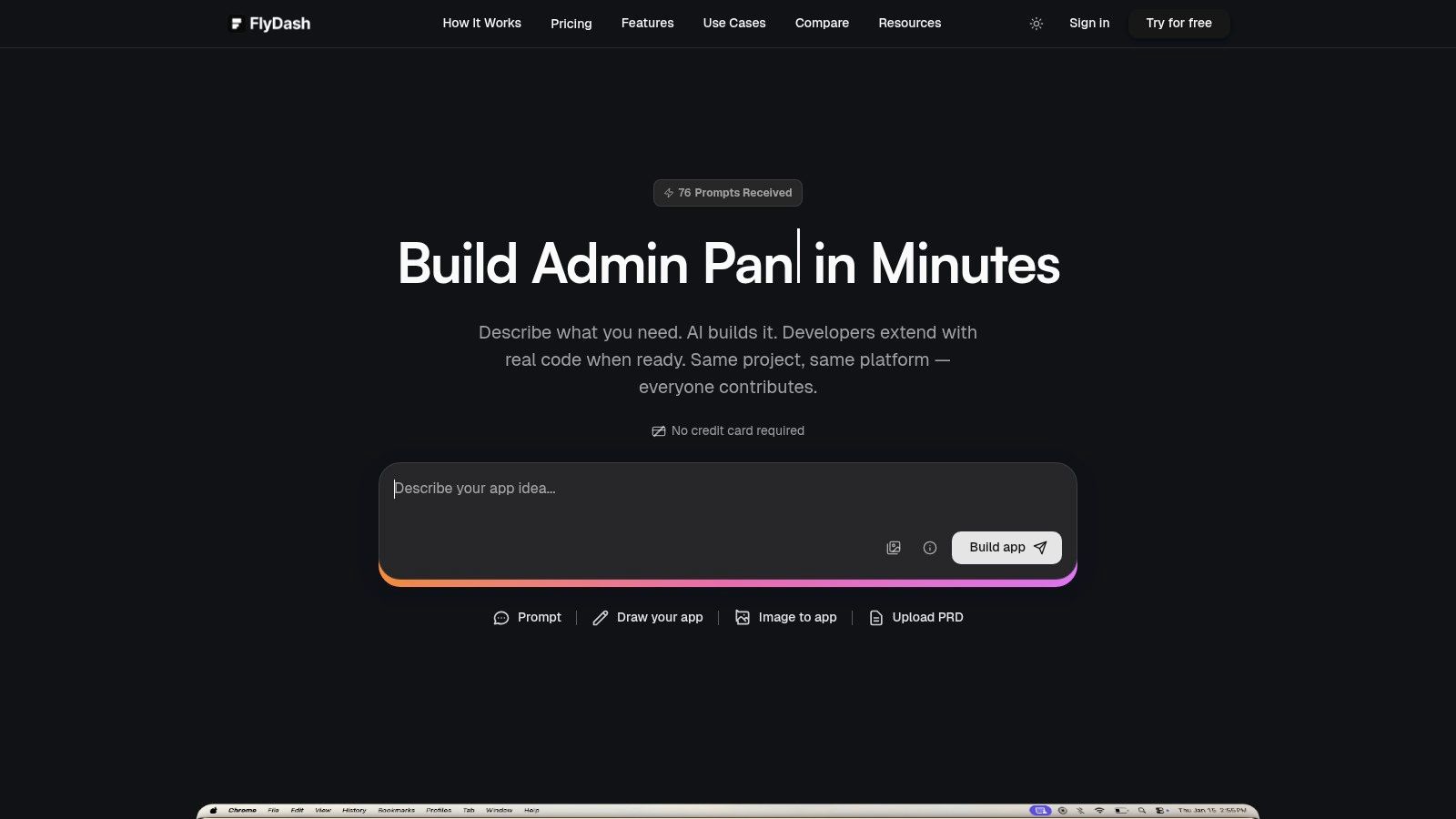
What makes FlyDash a top-tier choice among the best AI tools for developers is its true full-stack generation capability. The AI doesn't just create a UI mockup; it scaffolds the entire application, including a React frontend, a backend, and database schemas. This allows non-technical users to build a working prototype, which developers can then take over, extend, and harden for production. The collaborative, real-time editing environment, similar to Google Docs or Figma, ensures that product managers, operations teams, and engineers are always in sync.
Key Features & Use Cases
- Ideal Use Cases: Building custom admin panels, CRMs, inventory management systems, financial dashboards, and operational tools that need to be developed quickly and refined by engineering.
- True Full-Stack Generation: AI generates frontend, backend, and database code from a single prompt, creating a working application in minutes.
- Developer-First Extensibility: The platform is built to avoid vendor lock-in. Developers can access the built-in code editor, connect their Git repository, and export clean, standard React and React Native code to deploy anywhere.
- Real-Time Collaboration: Multiple users can edit the application simultaneously, making it ideal for fast-paced, cross-functional team workflows.
- Flexible Data Integrations: Connect to existing databases (like PostgreSQL or MySQL), REST APIs, or GraphQL endpoints to build tools on top of your live data.
Pros & Cons
| Pros | Cons |
|---|---|
| No Vendor Lock-In: Export clean, production-ready React code at any time, giving developers full ownership and control. | AI Scaffolding Requires Review: For complex logic or high-security needs, developers must audit and harden the AI code. |
| Accelerated Prototyping: Business teams can create functional MVPs, freeing up engineering resources for core product tasks. | Usage-Based Limits: Monthly request limits on free and paid tiers may require upgrading for heavy generation needs. |
| Collaborative Workflow: The real-time, multi-user editor streamlines feedback and iteration between technical and business teams. |
Pricing
FlyDash offers a flexible pricing model: a Free tier for individuals to start building (no credit card required), a Starter plan at $20/month (50 requests/month), and a Pro plan at $50/month (150 requests/month). Paid plans unlock features like code export and private projects. An Enterprise plan with custom integrations, SLAs, and dedicated support is also available.
Website: https://flydash.io
2. GitHub Marketplace
For developers looking to integrate AI capabilities directly into their existing workflows, the GitHub Marketplace is an unparalleled resource. It’s not a single tool but a curated ecosystem of apps, Actions, and even pre-trained models that plug directly into your repositories. This deep integration is its core strength, allowing you to enhance your CI/CD pipelines, code reviews, and issue management without leaving the GitHub environment.
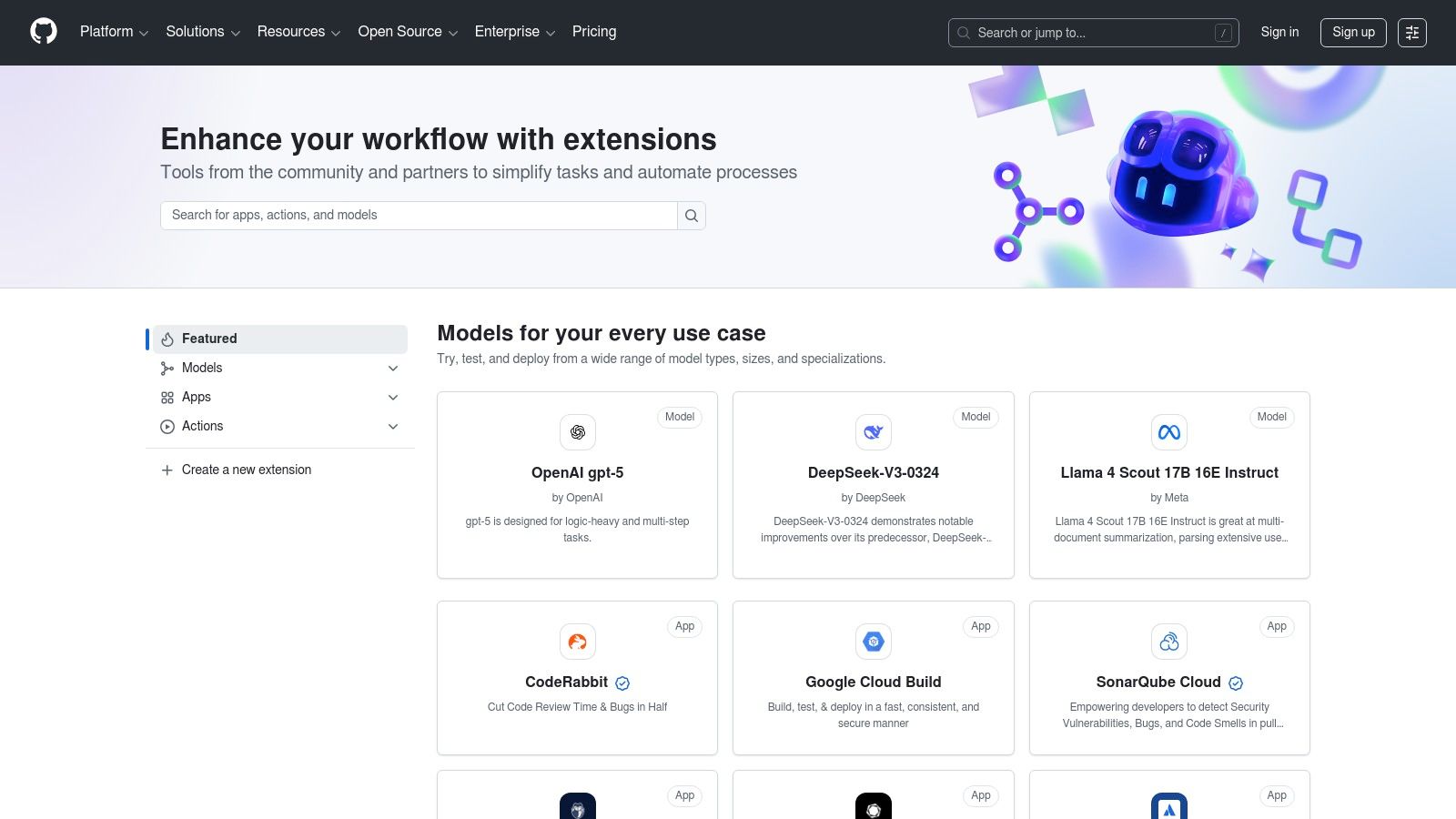
This platform stands out as one of the best sources for AI tools for developers because it brings the solutions to where the work happens. Instead of context-switching to a separate application, you can install an AI-powered code linter that comments on pull requests or an Action that automatically generates documentation for new functions on every push.
Key Features & Use Cases
- Direct Workflow Integration: Install apps with one click that can automatically analyze pull requests, summarize issue threads, or optimize CI/CD build times. For example, a tool like CodeSee can be installed to automatically generate code diagrams.
- Centralized Billing: Paid applications are billed directly through your GitHub account, simplifying procurement and expense management for teams and organizations.
- Curated AI Categories: Specialized sections for "AI-assisted" apps and a "Models" catalog make discovering relevant tools straightforward.
- Built-in Transparency: Listings provide clear information on required permissions, documentation, and vendor support, helping you vet tools before installation.
| Feature | Description |
|---|---|
| Discoverability | Surfaces AI tools within the familiar GitHub UI, promoting natural adoption. |
| Installation | One-click installs with clear permission scopes for repositories or entire organizations. |
| CI/CD Enhancement | Find GitHub Actions that leverage AI for tasks like test optimization or dependency vulnerability scans. |
| Pricing | Varies by vendor; includes free, freemium, and paid-only options, often with usage-based tiers. |
Website: https://github.com/marketplace
3. Visual Studio Marketplace
For developers embedded in the Microsoft ecosystem, the Visual Studio Marketplace is the central hub for augmenting VS Code and Visual Studio IDEs with powerful AI capabilities. Similar to GitHub's offering, it is not a single tool but a vast repository of extensions that integrate directly into the editor. This seamless integration allows developers to add AI-powered code completion, debugging aids, and test generation without ever leaving their coding environment.
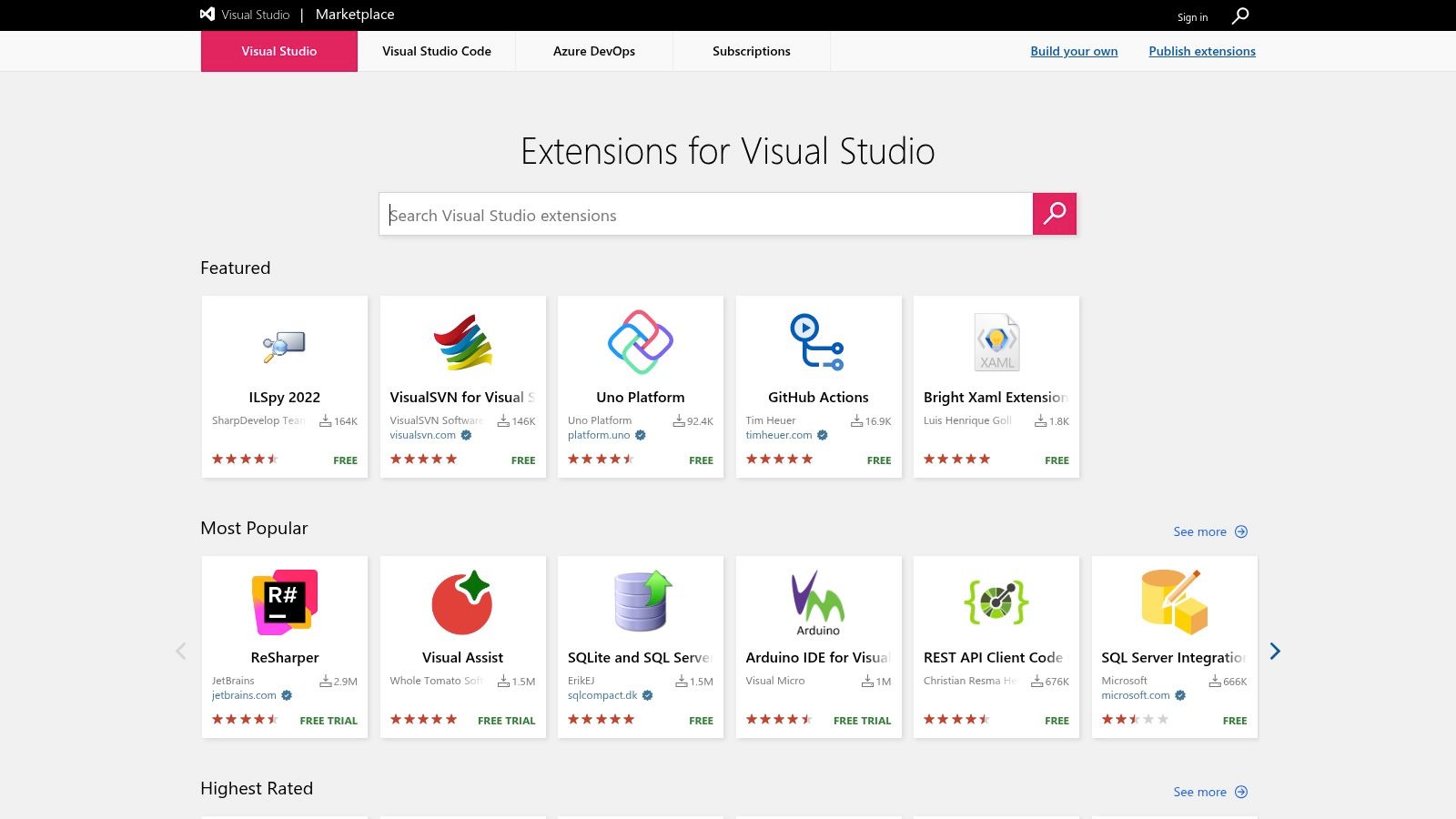
The platform’s key advantage is its direct-to-IDE delivery, minimizing setup friction and context switching. Instead of configuring a standalone service, a developer can install an AI-driven linter or a chatbot for code-related queries with just a few clicks. This makes the Visual Studio Marketplace one of the best sources for AI tools for developers who prioritize workflow efficiency and a tightly integrated development experience.
Key Features & Use Cases
- Seamless IDE Integration: Extensions are installed directly within VS Code or Visual Studio, immediately enhancing the editor with features like AI-assisted code refactoring or natural language to code generation.
- Massive AI Catalog: A huge collection of AI-powered extensions are available, from established tools like GitHub Copilot to specialized utilities for specific frameworks or languages.
- Ratings and Reviews: The community-driven rating system helps developers vet the quality and reliability of extensions before installation, though careful review of permissions is still recommended.
- Enterprise Control: The Private Marketplace feature allows organizations to create a curated list of approved extensions, ensuring security and compliance for internal development teams.
| Feature | Description |
|---|---|
| Discoverability | Extensions can be browsed and installed directly from the IDE's extension panel. |
| Installation | Simple one-click installation process with automatic updates to keep tools current. |
| Code Augmentation | Find extensions for AI-powered code completion, automated documentation, and intelligent bug detection. |
| Pricing | Varies by publisher; many extensions are free, while others follow freemium or subscription models. |
Website: https://marketplace.visualstudio.com
4. JetBrains Marketplace
For the millions of developers invested in the JetBrains ecosystem of IDEs like IntelliJ IDEA, PyCharm, and WebStorm, the JetBrains Marketplace is the central hub for augmenting their environment. It serves as a moderated app store where you can find thousands of plugins, including a growing number of powerful AI coding assistants that integrate directly into the editor. This makes it an essential destination for finding the best AI tools for developers who prioritize deep IDE integration and a curated experience.
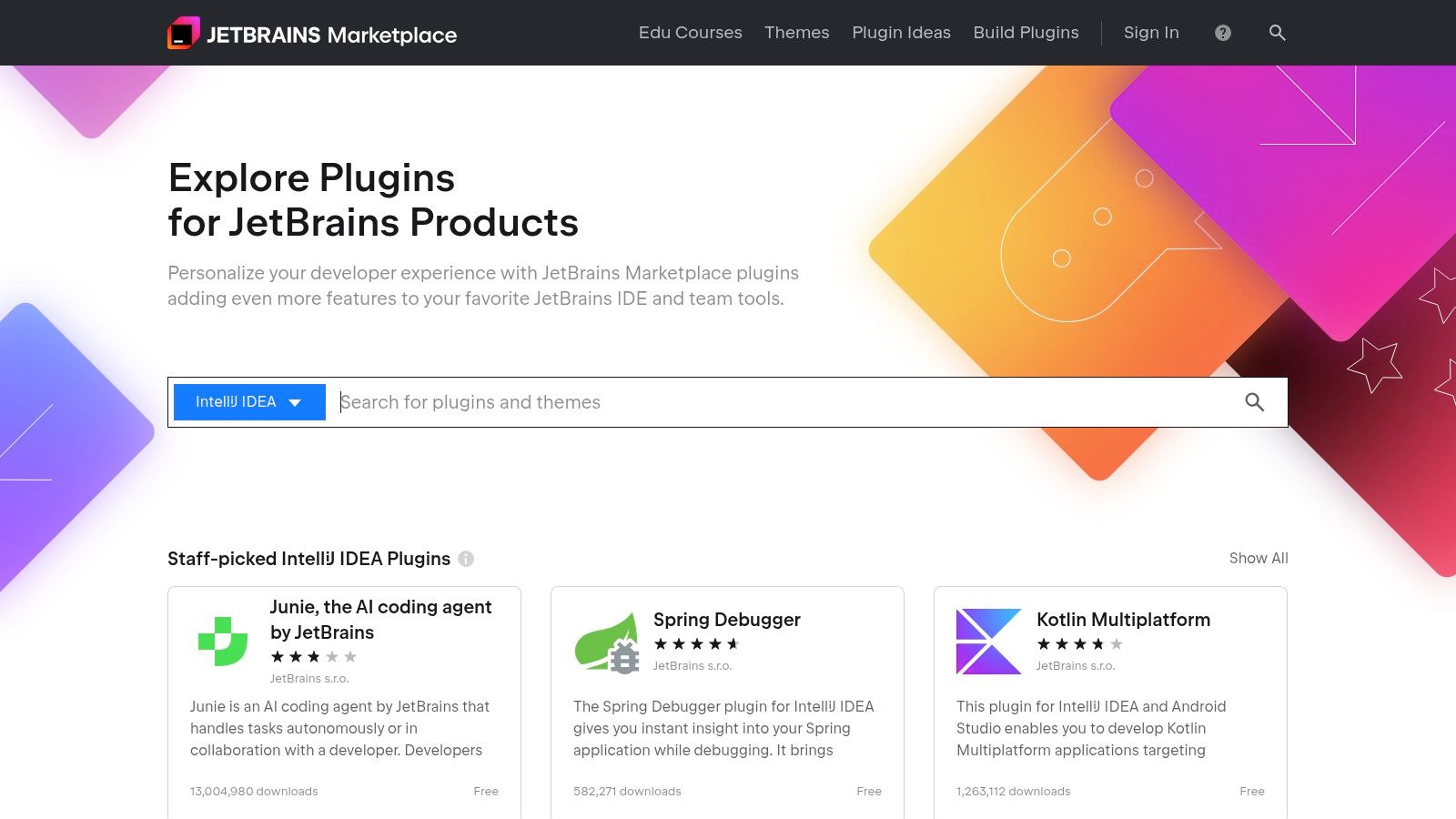
The platform's key advantage is its seamless connection to the JetBrains licensing and billing system. You can discover, install, and manage plugins like the official JetBrains AI Assistant without ever leaving your IDE. This unified management is especially beneficial for teams, allowing organizations to purchase and distribute licenses centrally, ensuring every developer has access to the same powerful toolset.
Key Features & Use Cases
- Deep IDE Integration: Plugins are built specifically for JetBrains IDEs, offering a native user experience for features like code completion, refactoring, and AI-powered chat.
- Centralized Management: Paid plugins and AI Assistant subscriptions can be managed through a single JetBrains account, simplifying license allocation and billing for teams.
- Official AI Assistant: The marketplace is the primary source for activating and managing tiers for the JetBrains AI Assistant, which provides context-aware smart chat, code generation, and documentation features.
- Curated and Verified: Plugins undergo a verification process by JetBrains, providing a layer of security and quality control compared to unvetted sources.
| Feature | Description |
|---|---|
| Discoverability | Find and install plugins directly from within the IDE's settings or via the web marketplace. |
| Licensing | Centralized team and enterprise licensing options, often bundled with the All Products Pack. |
| AI Capabilities | Home to the official JetBrains AI Assistant and third-party tools for code analysis and generation. |
| Pricing | Varies by plugin; includes free, freemium, and subscription-based models, with AI Assistant tiers billed per user. |
Website: https://plugins.jetbrains.com
5. Hugging Face
For developers who want to move beyond using AI APIs and start working directly with models, Hugging Face is the definitive community hub. It functions as a "GitHub for machine learning," offering a vast, searchable repository of open-source models, datasets, and interactive demo applications (Spaces). Its core strength is providing both the building blocks (models, data) and the tools (libraries, infrastructure) to build, train, and deploy AI.
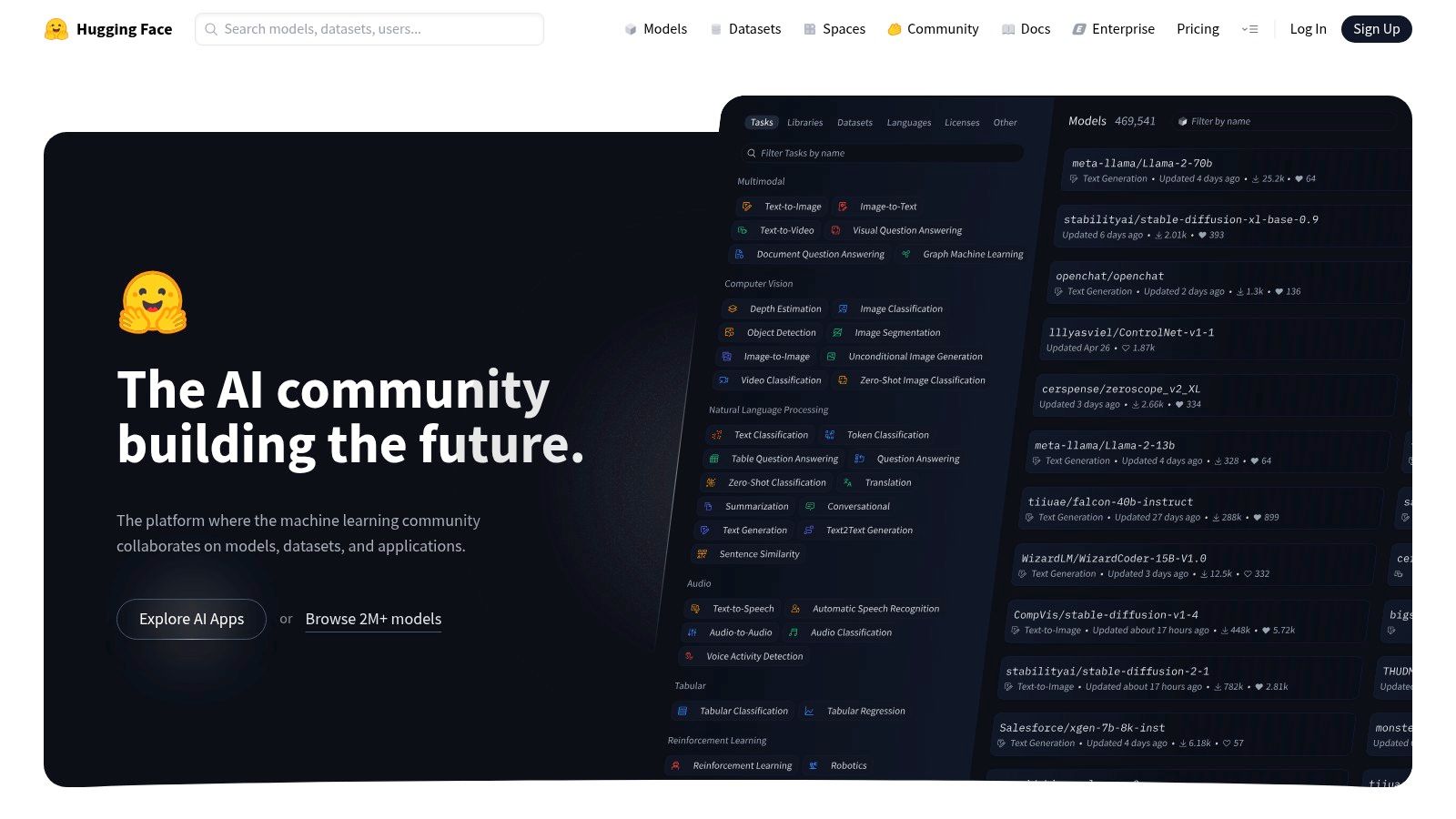
This platform is one of the best AI tools for developers because it dramatically lowers the barrier to entry for implementing state-of-the-art AI. Instead of training a model from scratch, you can find a pre-trained model for nearly any task, from text generation to image classification, and either deploy it directly via their hosted endpoints or use their open-source libraries like Transformers to fine-tune it on your own data.
Key Features & Use Cases
- Massive Model Hub: Discover and download thousands of pre-trained models for Natural Language Processing, Computer Vision, Audio, and more. Each model includes a "model card" detailing its architecture, intended uses, and limitations.
- Open-Source Libraries: Leverage powerful and easy-to-use libraries like
Transformers,Diffusers, andAccelerateto integrate models into your applications with just a few lines of Python code. - Hosted Inference & Spaces: Rapidly prototype and deploy models using Inference Endpoints for production or Spaces for creating interactive demos and proofs-of-concept with one-click GPU deployment.
- Enterprise-Ready: Offers team and enterprise features for private model hosting, fine-grained access controls, and enhanced security, making it suitable for both hobbyists and large organizations.
| Feature | Description |
|---|---|
| Model Discoverability | A massive, searchable catalog with robust filtering makes finding the right model or dataset simple. |
| Deployment Flexibility | Use hosted Inference Endpoints for managed deployment or self-host identical artifacts on your own infrastructure. |
| OSS Ecosystem | Tight integration with its own open-source libraries streamlines the process from model discovery to application. |
| Pricing | Free for public repos and community access; paid tiers for private repos, GPU compute, and enterprise features. |
Website: https://huggingface.co
6. OpenAI
While many tools on this list are built on top of foundational models, going directly to the source offers unparalleled flexibility. OpenAI provides developers with direct API access to its state-of-the-art models, including the GPT-4 family, enabling the creation of custom AI-powered features, internal tools, and standalone applications. This direct access is its primary strength, allowing for a fast path from initial prototype to scalable production.
This platform is essential for developers who need to move beyond pre-packaged solutions. Instead of a simple code assistant, you can build a sophisticated agent that generates unit tests, translates natural language into SQL queries, or analyzes customer support tickets directly within your own software. The broad SDK support and clear documentation make it one of the best AI tools for developers looking to build truly custom functionality.
Key Features & Use Cases
- Powerful API Access: Integrate models like GPT-4o for complex reasoning, code generation, and multimodal tasks directly into your applications using REST APIs and official SDKs.
- Fine-Tuning Capabilities: Adapt models to specific domains or tasks by training them on your own data, improving performance for niche use cases like proprietary code generation.
- Enterprise-Grade Controls: Team and Enterprise plans offer features like single sign-on (SSO), enhanced data privacy controls, and dedicated workspaces for secure collaboration.
- Versatile Model Families: Choose from a range of models optimized for different balances of cost, speed, and intelligence, from faster, cheaper models for simple tasks to powerful ones for deep analysis.
| Feature | Description |
|---|---|
| Model Access | Direct API access to leading models for code, text, and image generation and analysis. |
| SDK Support | Official libraries for Python, Node.js, and a growing community ecosystem for other languages. |
| Scalability | Pay-as-you-go token-based pricing that scales from small experiments to high-volume production workloads. |
| Pricing | Varies by model and usage (input/output tokens); free credits available for new accounts. |
Website: https://openai.com
7. AWS Marketplace (ML)
For organizations deeply embedded in the Amazon Web Services ecosystem, the AWS Marketplace is an essential destination for discovering and deploying production-ready machine learning models. It functions as a digital catalog where developers can find, subscribe to, and deploy algorithms and pre-trained models directly into Amazon SageMaker. This tight integration simplifies procurement, billing, and operational management, making it one of the best AI tools for developers working within an enterprise AWS environment.
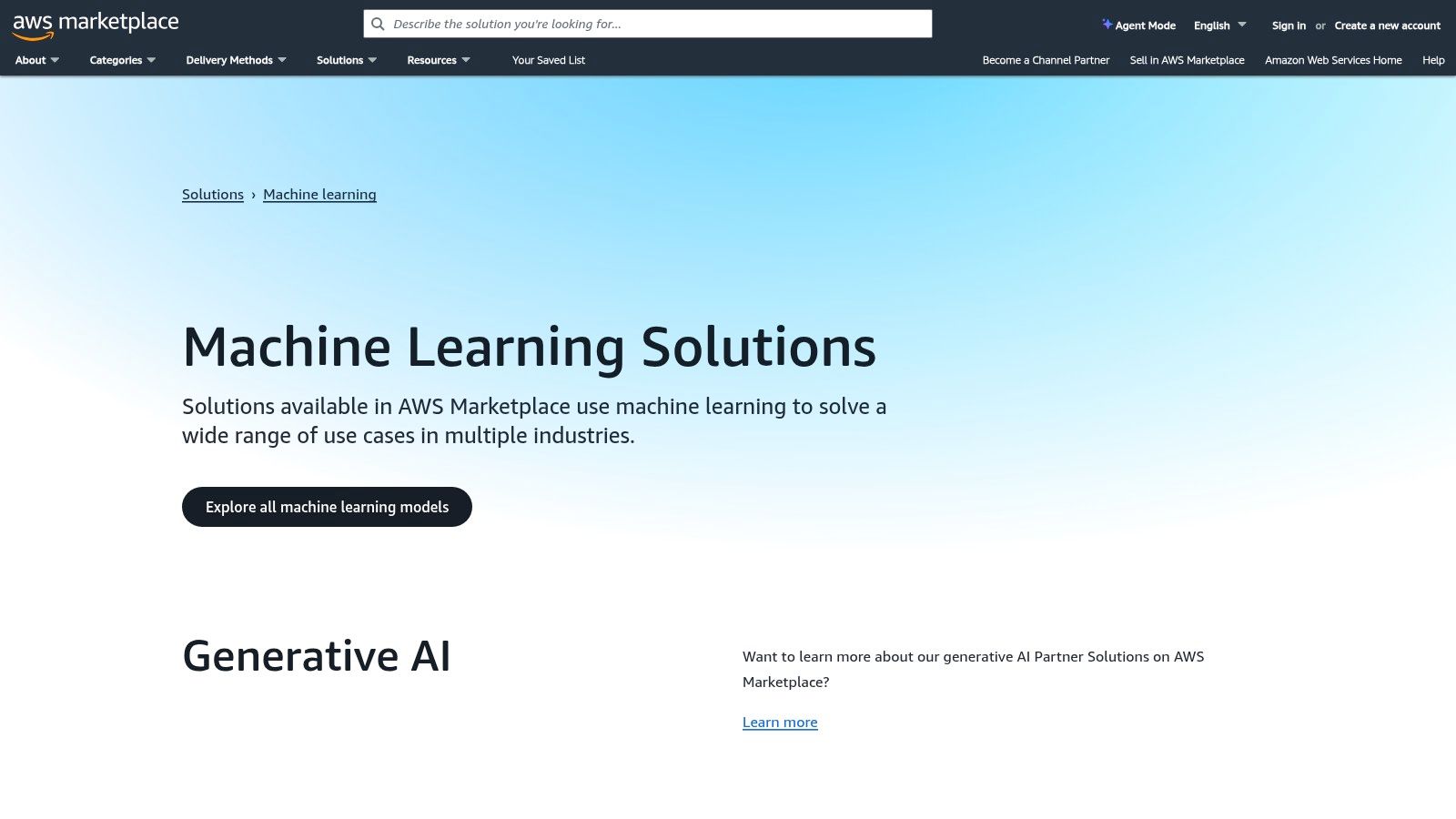
The platform’s core value lies in its operational efficiency. Instead of vetting and integrating third-party models from scratch, developers can leverage a trusted channel that handles contracts, metering, and deployment. This allows teams to quickly experiment with and productize sophisticated AI capabilities, such as natural language processing or computer vision, using solutions from vendors like NVIDIA, Intel, and Stability AI, all within their existing cloud infrastructure.
Key Features & Use Cases
- Direct SageMaker Deployment: Subscribe to models and deploy them as real-time or batch inference endpoints in Amazon SageMaker with just a few clicks. This is ideal for quickly adding AI features to existing applications hosted on AWS.
- Consolidated Billing & Procurement: All subscriptions are billed directly through your organization’s AWS account, streamlining expense management and satisfying enterprise procurement requirements.
- Curated ML Categories: The marketplace features dedicated categories for algorithms, models, and data products, making it easy to find solutions for specific tasks like fraud detection, text summarization, or image recognition.
- Standardized Security and Governance: Models listed on the marketplace undergo security scans and are governed by standard EULAs, providing a layer of trust and reducing legal overhead for corporate teams.
| Feature | Description |
|---|---|
| Enterprise-Ready | Designed for corporate governance with centralized billing, procurement controls, and security vetting. |
| SageMaker Integration | Native one-click deployment into AWS's flagship machine learning service for immediate use. |
| Vendor Diversity | Access a wide range of pre-trained models and algorithms from leading AI companies and researchers. |
| Pricing | Varies by vendor; includes free trials, pay-as-you-go, and private contract options through AWS. |
Website: https://aws.amazon.com/marketplace/solutions/machine-learning
8. Google Cloud Vertex AI
For development teams needing an enterprise-grade, managed platform to build, deploy, and scale machine learning models, Google Cloud Vertex AI is a comprehensive solution. It consolidates Google Cloud's AI and ML services into a unified API, client library, and user interface. Its primary strength lies in its full-stack MLOps capabilities, allowing developers to manage the entire lifecycle of a model from data preparation to production monitoring.
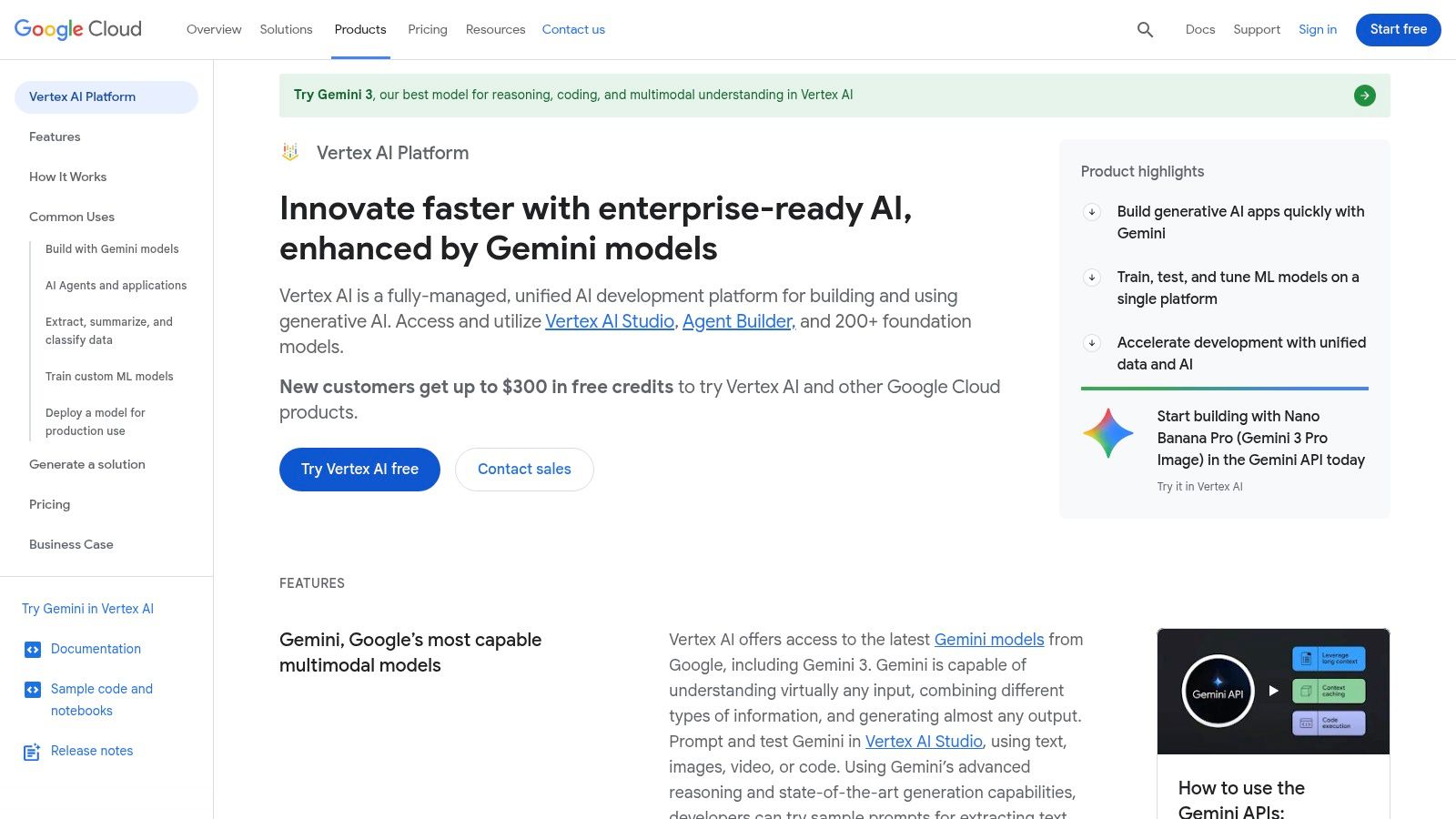
This platform is one of the best AI tools for developers because it provides both low-code and code-first options. Teams can use AutoML to train high-quality models with minimal ML expertise or leverage custom training environments with deep control over frameworks and infrastructure like GPUs and TPUs. This flexibility supports a wide range of use cases, from building simple predictive models to deploying complex generative AI agents.
Key Features & Use Cases
- Unified MLOps Platform: Manages every stage of the ML lifecycle, including data ingestion, model training, evaluation, deployment, and monitoring, all within a single environment.
- AutoML & Custom Training: Offers AutoML for teams needing to build models quickly without deep expertise, alongside fully customizable training jobs for advanced users.
- Generative AI Support: Provides access to Google’s foundation models (like Gemini) and tools for tuning, evaluating, and deploying them for custom applications.
- Scalable Prediction Endpoints: Easily deploy trained models as scalable, low-latency endpoints for online predictions or run large-scale batch prediction jobs.
| Feature | Description |
|---|---|
| Model Lifecycle | A complete, managed toolchain for MLOps from data labeling to production monitoring and explainability. |
| Training Options | Supports both automated (AutoML) and custom training with popular frameworks like TensorFlow and PyTorch. |
| Infrastructure | Access to specialized hardware including various GPUs and Google's custom Tensor Processing Units (TPUs). |
| Pricing | Granular pay-as-you-go model for training, prediction, and other services, with a generous free tier. |
Website: https://cloud.google.com/vertex-ai
9. Microsoft Azure AI and Azure OpenAI Service
For organizations already embedded in the Microsoft ecosystem, Azure AI and its Azure OpenAI Service provide a seamless, enterprise-grade on-ramp to powerful foundation models. Instead of managing separate accounts and security models, developers can access OpenAI's GPT-4, DALL-E, and other models through their existing Azure infrastructure. This integration simplifies procurement, security, and governance, making it one of the best AI tools for developers in corporate environments.
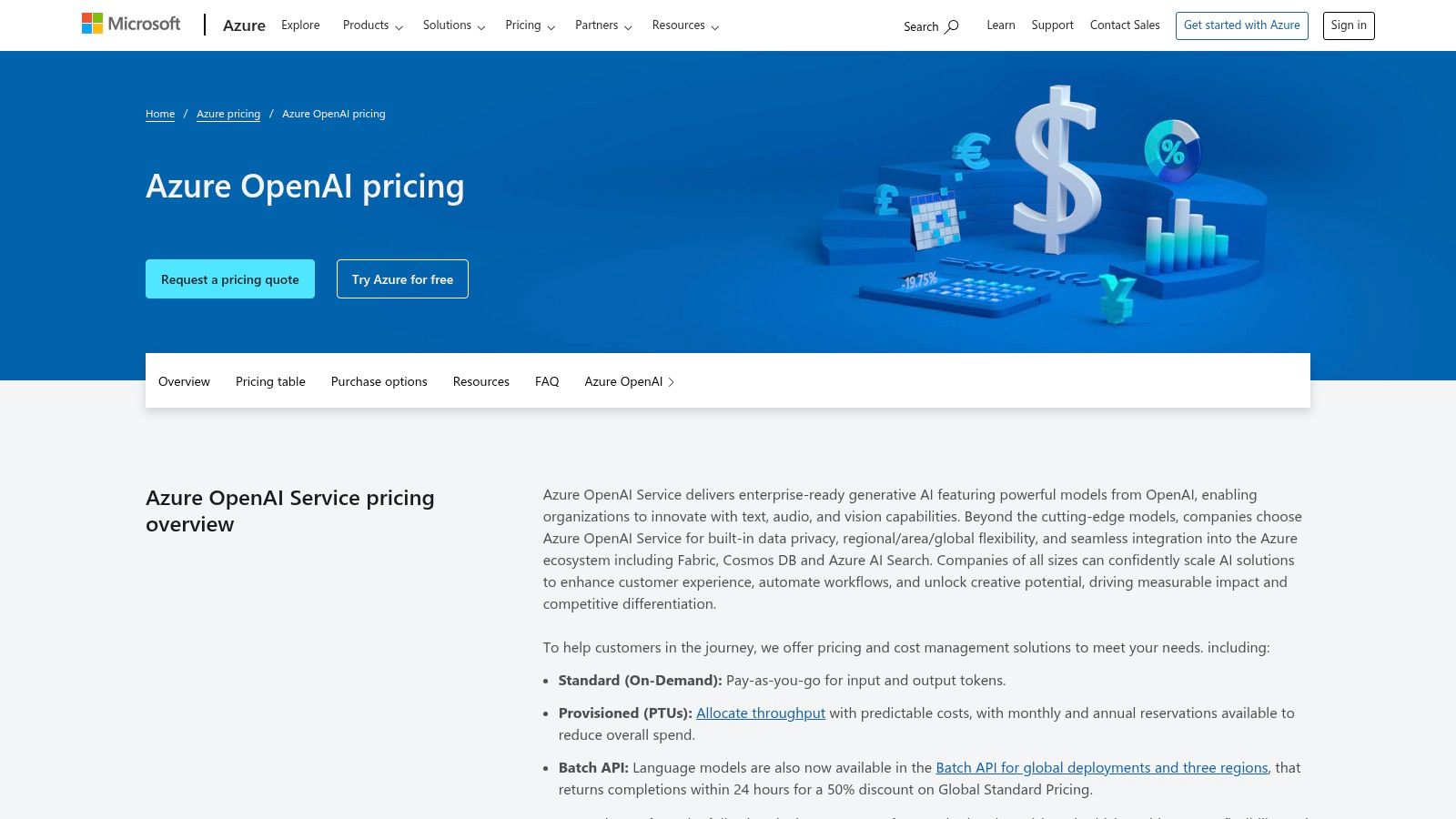
The platform’s strength lies in its ecosystem-first approach. Developers can easily connect AI models to other Azure services like Azure AI Search for retrieval-augmented generation (RAG) or Cosmos DB for vector storage. This tight coupling accelerates the development of complex, production-ready AI applications while leveraging familiar Azure security controls, regional data centers, and single sign-on (SSO).
Key Features & Use Cases
- Enterprise-Grade Model Access: Use leading OpenAI models like GPT-4 and GPT-3.5-Turbo within Azure’s secure and compliant environment, complete with SLAs and regional availability.
- Deep Ecosystem Integration: Natively connect AI models with services like Azure AI Search, Azure DevOps, GitHub, and Microsoft 365 to build sophisticated, data-aware applications.
- Predictable Performance Options: Choose between pay-as-you-go pricing for flexibility or Provisioned Throughput for guaranteed model capacity and predictable performance at scale.
- Built-in Governance and Security: Leverage Azure's robust identity management, virtual network support, and compliance certifications (e.g., HIPAA, FedRAMP) for sensitive workloads.
| Feature | Description |
|---|---|
| Model Access | Provides API access to OpenAI's models, managed and hosted within the Azure cloud infrastructure. |
| Integration | Smooth, native connections to Azure AI Search, Cosmos DB, and the broader Microsoft 365 ecosystem. |
| Security & Compliance | Inherits Azure's comprehensive security posture, including private networking and enterprise governance. |
| Pricing | Offers both pay-as-you-go and provisioned-throughput tiers to suit different performance and budget needs. |
Website: https://azure.microsoft.com/en-us/pricing/details/azure-openai/
10. Product Hunt – Developer Tools
While not a direct AI tool itself, Product Hunt’s "Developer Tools" section is an indispensable resource for discovering the very latest innovations in the space. It's a daily showcase where new AI-powered developer tools launch, providing a real-time feed of what's emerging. This makes it a crucial first stop for anyone looking to stay ahead of the curve and find groundbreaking solutions before they become mainstream.
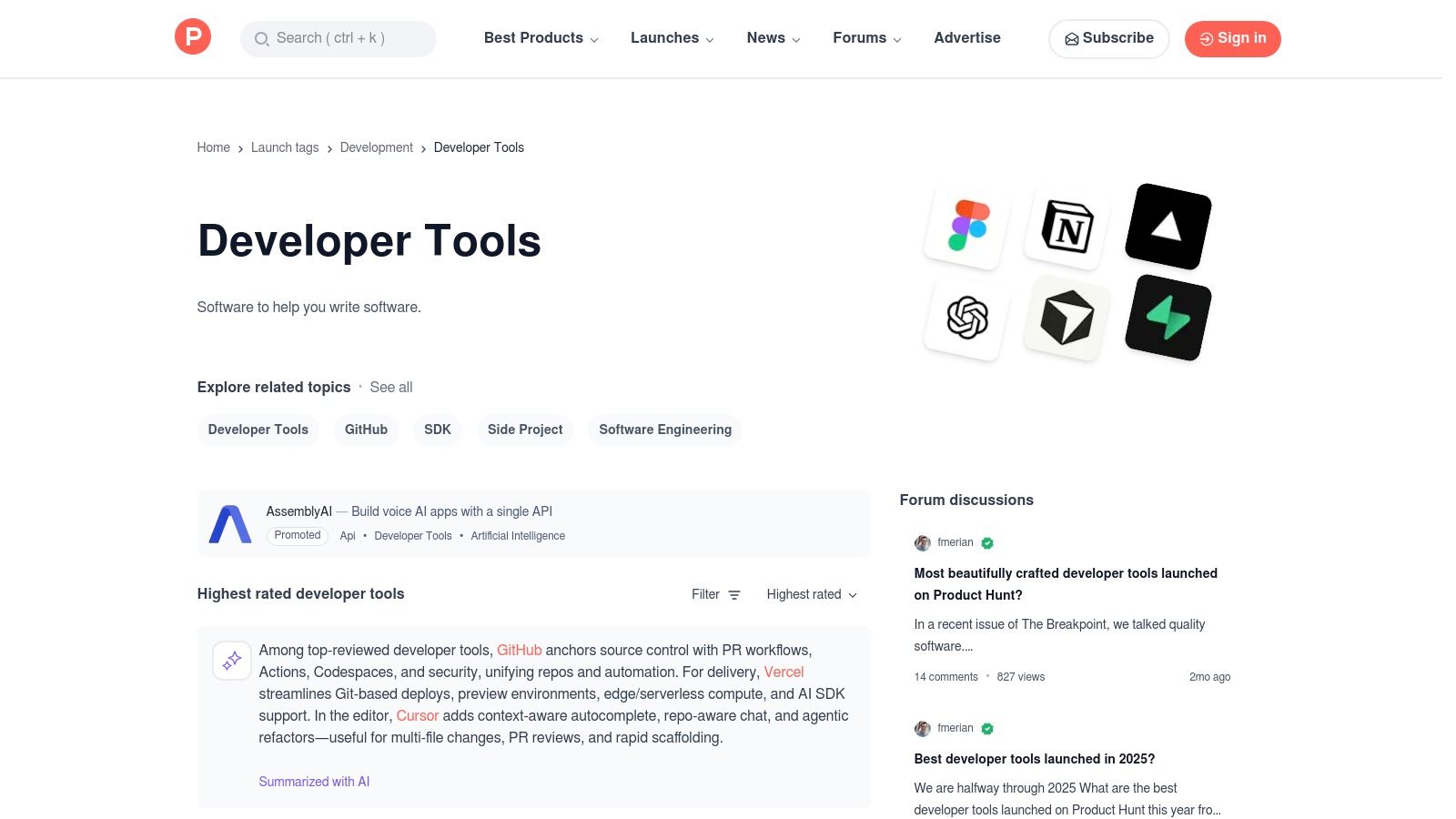
Product Hunt stands out as one of the best sources for AI tools for developers because it offers a direct line to the creators. You can engage with the makers in the comments, ask specific questions about integrations or use cases, and gauge community sentiment through upvotes and reviews. This dynamic environment provides insights that simple marketing pages cannot, helping you vet a tool’s potential and practical value.
Key Features & Use Cases
- Discover Emerging Tech: Use it as a daily or weekly check-in to spot new AI code assistants, testing automation tools, or API services as they launch.
- Gauge Community Interest: The upvote system and comment threads act as an early signal for a tool's popularity and potential impact. You can see what resonates with other developers.
- Direct Maker Engagement: Post questions directly to the founders and developers behind the tools to clarify features, understand the roadmap, or get support.
- Curated Collections: Explore user-created collections that often group the best AI tools for developers, saving you time on individual research.
| Feature | Description |
|---|---|
| Discovery | Daily launches and a dedicated topic filter make finding new developer-focused AI tools simple. |
| Vetting | Community reviews and Q&A with makers provide valuable social proof beyond a product’s landing page. |
| Trend Spotting | See which types of AI developer tools are gaining traction and attracting investment and attention. |
| Pricing | Not applicable, as Product Hunt is a discovery platform. Pricing varies by the individual product. |
Website: https://www.producthunt.com/topics/developer-tools
11. G2
When the goal is to evaluate and shortlist enterprise-grade AI developer tools, G2 serves as a critical research hub. It is a massive B2B software marketplace driven by verified user reviews. While not a tool itself, its expanding categories for AI Coding Assistants, AI Software Testing, and AI Application Security make it an indispensable resource for comparing complex solutions based on real-world feedback.
G2 excels at providing social proof and comparative data that marketing materials often obscure. For developers and engineering leaders tasked with procurement, it offers a structured way to assess the best AI tools for developers by filtering reviews by company size, user role, and industry. This helps you move beyond a vendor's claims and see how a tool performs in a production environment similar to your own.
Key Features & Use Cases
- Verified User Reviews: Access a large volume of reviews from verified buyers, offering insights into implementation, support quality, and long-term value.
- Comparison Grids: Use G2's signature "Grid" reports to visualize the landscape, comparing tools based on market presence and customer satisfaction scores. This is ideal for quickly identifying market leaders and high-momentum products.
- Expanding AI Categories: Discover and evaluate tools in dedicated, developer-centric AI categories, simplifying the search for niche solutions.
- Vendor and Alternative Discovery: Each product page suggests alternatives, helping you build a comprehensive list of candidates for your evaluation process.
| Feature | Description |
|---|---|
| Discoverability | Search and filter within specific AI developer categories to find and compare relevant software. |
| Evaluation | Read detailed, long-form reviews and view standardized scores for features like ease of use and support. |
| Procurement Aid | Gather social proof and user feedback to build a business case for adopting a new tool. |
| Pricing | Varies by vendor; G2 often provides general pricing tiers but typically requires direct vendor contact. |
Website: https://www.g2.com
12. NVIDIA NGC Catalog and NIM microservices
For development teams building high-performance, production-grade AI features, the NVIDIA NGC Catalog is an essential resource. It's a hub of GPU-optimized containers, pre-trained models, and Helm charts designed to run efficiently on NVIDIA hardware. Its key advantage is providing a direct path from prototyping to scalable deployment with security-scanned, performance-tuned software.
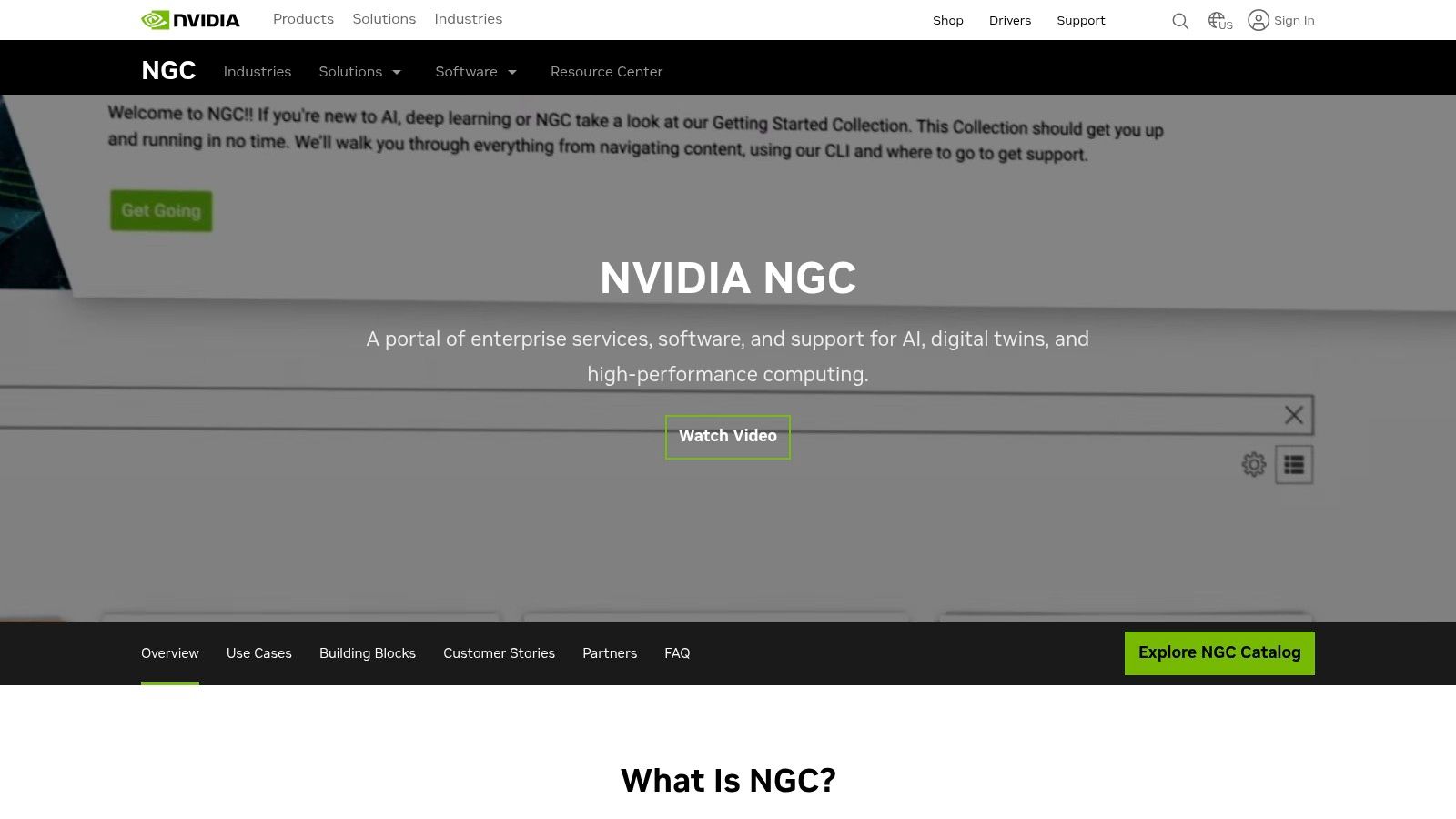
This platform stands out as one of the best sources for AI tools for developers because it provides production-ready building blocks. The introduction of NIM (NVIDIA Inference Microservices) further simplifies deployment by offering containerized, API-first microservices for popular models. This allows teams to focus on application logic instead of complex inference optimization, ensuring low latency and high throughput.
Key Features & Use Cases
- GPU-Optimized Containers: Access ready-to-use containers for frameworks like PyTorch and TensorFlow, as well as specialized tools like TensorRT-LLM and Triton Inference Server, ensuring maximum performance on NVIDIA GPUs.
- NIM Inference Microservices: Deploy popular open-source models with a standardized API, abstracting away the complexity of inference server setup and optimization.
- Pre-trained Models & Notebooks: Accelerate development by starting with models and Jupyter notebooks that are already fine-tuned for specific tasks and optimized for NVIDIA's ecosystem.
- Multi-Cloud & On-Prem Deployment: Use Helm charts and containers to deploy consistently across on-premise data centers, public clouds, or edge devices.
| Feature | Description |
|---|---|
| Performance | Provides artifacts specifically tuned for NVIDIA GPUs, unlocking hardware-accelerated performance for training and inference. |
| Deployment Simplicity | NIM microservices offer a simple, API-driven way to run inference without deep MLOps expertise. |
| Security | Containers and models are regularly scanned for vulnerabilities, providing a secure foundation for enterprise applications. |
| Pricing | Prototyping with NIM is free for NVIDIA Developer Program members. Production use requires an NVIDIA AI Enterprise license, which can be costly. |
Website: https://www.nvidia.com/en-us/gpu-cloud/
Top 12 AI Tools for Developers — Comparison
| Product | Core features (✨) | UX / Quality (★) | Pricing / Value (💰) | Target audience (👥) | Standout / USP (✨) |
|---|---|---|---|---|---|
| FlyDash 🏆 | AI‑generated full‑stack apps (frontend+backend+DB), real‑time editor | ★★★★★ — live collaboration, instant preview | 💰 Free tier; Starter $20/mo (50 req); Pro $50/mo (150 req); Enterprise | 👥 Business teams + developers (ops, finance, product, founders) | ✨ Export clean React/React Native, open code editor, no lock‑in — Recommended 🏆 |
| GitHub Marketplace | One‑click apps, Actions, models in repos | ★★★★☆ — native repo/CI integration | 💰 Varies; consolidated billing via GitHub | 👥 Dev teams using GitHub | ✨ Fast install into PRs/CI; discoverability in GitHub |
| Visual Studio Marketplace | IDE extensions for VS Code / Visual Studio | ★★★★☆ — seamless IDE install & updates | 💰 Mostly free/paid extensions; varies by vendor | 👥 Developers that use VS Code/Visual Studio | ✨ Tight IDE integration; auto‑updates & reviews |
| JetBrains Marketplace | Plugins + JetBrains AI Assistant tiers | ★★★★☆ — curated, in‑IDE experience | 💰 Free/paid plugins; AI credits/tiered plans | 👥 Teams using JetBrains IDEs | ✨ JetBrains validation, enterprise licensing options |
| Hugging Face | Models, datasets, Spaces, hosted inference | ★★★★★ — OSS ecosystem & model discoverability | 💰 Free public usage; paid GPU/enterprise plans | 👥 ML engineers, researchers, prototypers | ✨ Best‑in‑class model hub; self‑host or hosted endpoints |
| OpenAI | State‑of‑the‑art models & APIs (chat, code, multimodal) | ★★★★★ — broad SDKs, rapid prototyping | 💰 Pay‑as‑you‑go token pricing; team plans | 👥 Teams building AI-powered apps/APIs | ✨ Multiple model families, fine‑tuning & agent support |
| AWS Marketplace (ML) | Deployable ML models & SageMaker integrations | ★★★☆☆ — enterprise procurement fit | 💰 Paid listings billed via AWS; varies by vendor | 👥 Enterprises standardized on AWS | ✨ Direct SageMaker deployment; procurement controls |
| Google Cloud Vertex AI | Managed training, deployment, agents, MLOps | ★★★★☆ — granular tooling & quotas | 💰 Pay‑as‑you‑go with free runtime quotas | 👥 Google Cloud users / MLOps teams | ✨ AutoML, agent runtime, TPU/GPU options |
| Microsoft Azure AI / Azure OpenAI | OpenAI models + Azure services and governance | ★★★★☆ — enterprise security & SLAs | 💰 PAYG & provisioned throughput options | 👥 Enterprises on Azure / M365 / GitHub | ✨ Strong governance, SSO, integration with Azure stack |
| Product Hunt – Developer Tools | Discovery & trending product launches | ★★★☆☆ — good for signals, variable depth | 💰 Free to browse; links to vendor pricing | 👥 Builders, early adopters, product teams | ✨ Fast pulse on new tools and launches |
| G2 | Verified B2B reviews & comparison grids | ★★★★☆ — large review volume for shortlisting | 💰 Free to browse; vendor‑paid placements | 👥 Procurement, procurement/ops, decision makers | ✨ Side‑by‑side comparisons and verified buyer insights |
| NVIDIA NGC & NIM | GPU‑optimized containers, NIM inference microservices | ★★★★☆ — production‑grade, performance focused | 💰 Free dev access; enterprise licensing for scale | 👥 Teams on NVIDIA GPUs / edge & on‑prem | ✨ Optimized containers, Triton/TensorRT, NIM APIs |
Choosing the Right AI Tool for Your Stack
Navigating the expansive landscape of AI for software development can feel overwhelming, but it represents a fundamental shift in how we build, test, and deploy applications. The journey from manual coding to an AI-augmented workflow is no longer a futuristic concept; it's a present-day reality that boosts productivity and innovation. As we've explored, the ecosystem of the best AI tools for developers is not monolithic. It's a rich tapestry of specialized platforms, integrated marketplaces, and foundational model providers.
The key takeaway is that there is no single "best" tool, only the right tool for a specific job. Your selection process should be a strategic exercise, not a random grab from a list of popular options. The ideal choice hinges on your unique context: your team's existing skill set, your project's scale and complexity, and the technology stack you already rely on.
A Strategic Framework for Tool Selection
To move from analysis to action, consider these guiding principles when evaluating which AI tools to integrate into your development lifecycle:
- Start with the Pain Point: Don't adopt AI for its own sake. Identify the most significant bottleneck in your current workflow. Is it the time spent on boilerplate code? The complexity of setting up and managing testing environments? The slow pace of internal tool development? Pinpoint the problem first, then seek the AI solution that directly addresses it.
- Prioritize Ecosystem Integration: The most powerful tools are often those that seamlessly blend into your existing environment. For teams heavily invested in the GitHub ecosystem, a tool from the GitHub Marketplace is a natural fit. Likewise, if your infrastructure lives on AWS, Azure, or Google Cloud, their respective AI and ML services (like Vertex AI or Azure OpenAI) will offer the tightest integration and potentially lower data egress costs.
- Balance Power with Usability: A state-of-the-art model from Hugging Face or a powerful microservice from NVIDIA NGC might offer incredible capabilities, but it also comes with a steeper learning curve. Conversely, a platform like FlyDash prioritizes abstracting away complexity for specific use cases like internal tool creation, offering a faster path to value. Assess your team’s capacity and willingness to manage complex infrastructure versus their need for a more guided, streamlined experience.
- Think in Tiers of Adoption: Don't try to overhaul your entire development process overnight. A tiered approach is more sustainable.
- Augmentation: Start with tools that assist individual developers, like AI code completion assistants from the JetBrains or Visual Studio marketplaces.
- Automation: Graduate to tools that automate entire workflow segments, such as AI-powered CI/CD pipeline optimizations or automated test generation.
- Acceleration: Finally, leverage platforms that accelerate entire project timelines. This is where tools for rapid prototyping and internal application development become invaluable, enabling you to build and deploy functional tools in a fraction of the time.
Final Thoughts: Building Smarter, Not Just Faster
The true promise of AI in software development isn't just about writing code faster; it's about building smarter. It's about empowering developers to offload repetitive, mundane tasks so they can focus their cognitive energy on architectural design, complex problem-solving, and creating genuine user value. The tools we’ve covered are more than just productivity enhancers; they are partners in the creative process.
By thoughtfully selecting and integrating the right AI solutions, you equip your team to not only keep pace with the rapid evolution of technology but to lead the charge. The future of development is collaborative, intelligent, and augmented. Your next step is to choose your first partner and begin building that future today.
Ready to accelerate your internal tool development with the power of AI? FlyDash provides a purpose-built platform that lets you design UIs and generate production-ready code for internal applications in minutes, not weeks. Try FlyDash today and see how you can transform your team's productivity.
Ready to Build Your App?
Turn your idea into a production-ready React Native app in minutes.
Free tools to get you started
Free AI PRD Generator
Generate a professional product requirements document in seconds. Describe your product idea and get a complete, structured PRD instantly.
Try it freeFree AI App Name Generator
Generate unique, brandable app name ideas with AI. Get creative name suggestions with taglines, brand colors, and monogram previews.
Try it freeFree AI App Icon Generator
Generate beautiful, professional app icons with AI. Describe your app and get multiple icon variations in different styles, ready for App Store and Google Play.
Try it freeFrequently Asked Questions
RapidNative is an AI-powered mobile app builder. Describe the app you want in plain English and RapidNative generates real, production-ready React Native screens you can preview, edit, and publish to the App Store or Google Play.